Dashboard and my day
Each rep starts with their pipeline and the work due today; managers see the team.
- My open pipeline, forecast against target and recent wins
- Leads needing a first touch
- Overdue, today and upcoming tasks, calls and meetings
- Discount and commission approvals in one place for managers
Leads
Capture leads from several sources, remove duplicates and route them to the right person.
- Hosted and embeddable web-to-lead forms with spam protection
- CSV import with column mapping, preview and a per-row error report
- Duplicate detection on email, phone and tax ID, with merge
- Assignment rules by source, region, industry or campaign, with round-robin inside a team
- Fit and engagement scoring with hot, warm and cold ratings
- One-step conversion to an account, contact and deal
Accounts and contacts
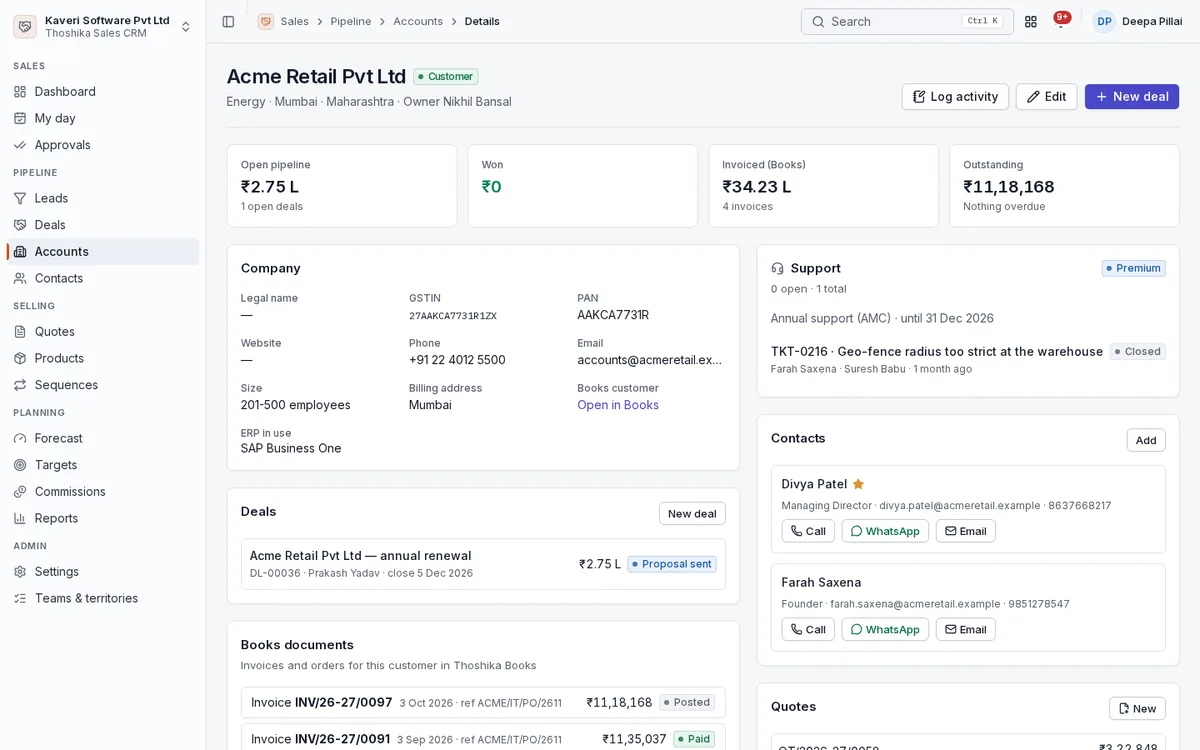
An account view with everything sold, invoiced and outstanding, shared with Books customers.
- Account types, parent accounts, owners, teams and territories
- Account 360 with contacts, deals, quotes, Books invoices and outstanding
- Create a Books customer manually or automatically when a deal is won
- Contacts with tap-to-call, email and WhatsApp click-to-chat
- Custom fields on leads, accounts, contacts and deals
Deals and pipelines
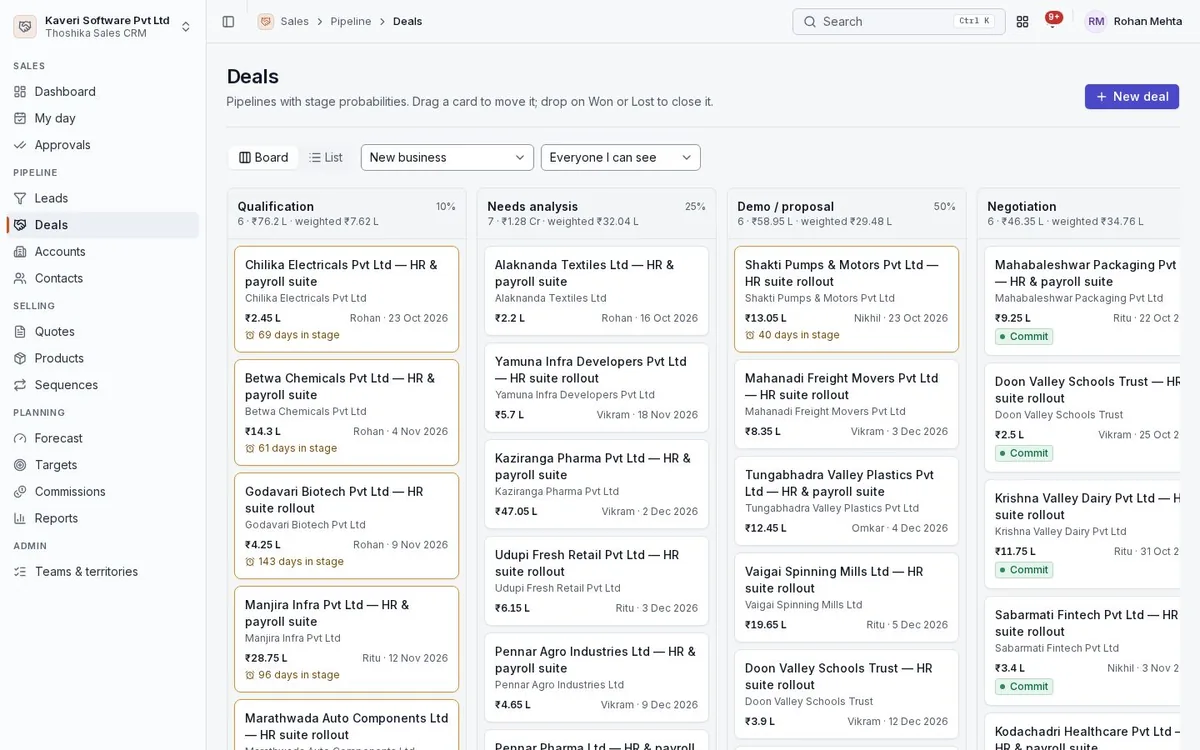
Several pipelines, each with its own stages, probabilities and rotting thresholds.
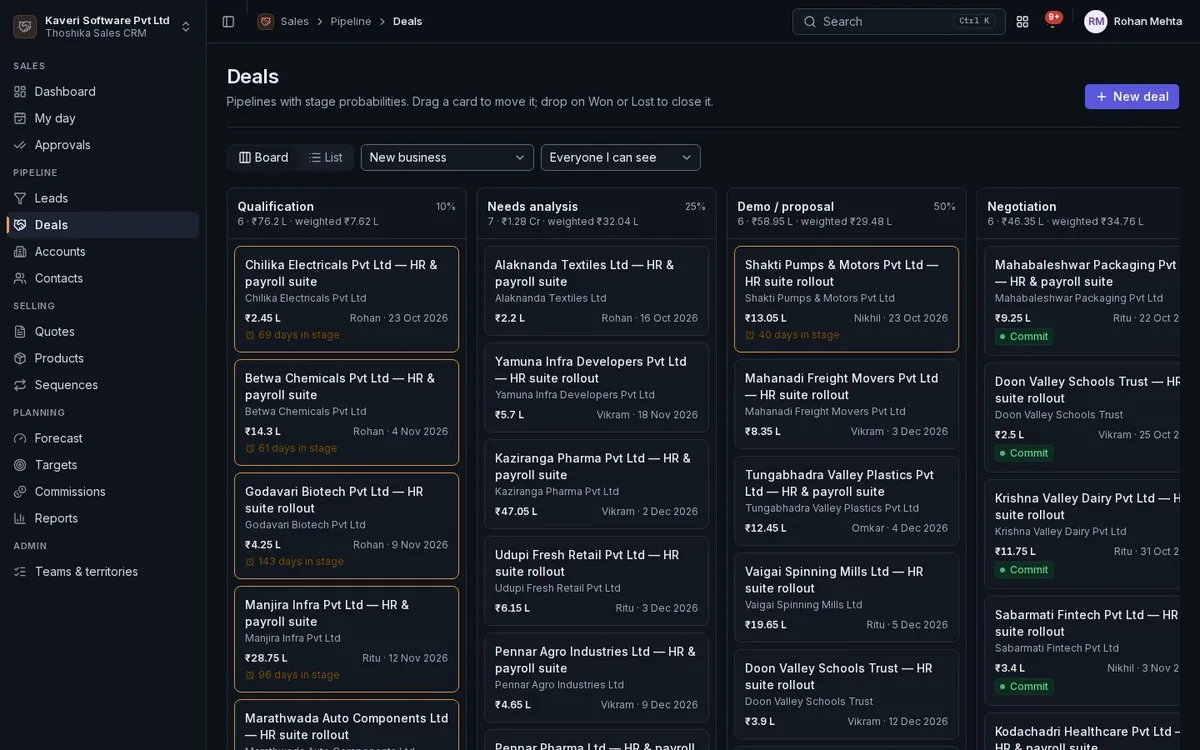
- Kanban board and list views, with drag to move stage
- Stage history with time in stage, and idle deals flagged
- Forecast categories: pipeline, best case, commit and closed
- Won and lost with loss reasons and competitors
- New business, upsell and renewal deal types
Activities, email logging and sequences
Every call, meeting, email and note lands on the record’s timeline.
- Tasks, calls, meetings, notes, emails and WhatsApp messages
- BCC-to-CRM address that logs emails against matching contacts and deals
- Unmatched emails kept for an admin to attach or discard
- Attachments on emails logged by BCC
- Sequences of email, call, LinkedIn, WhatsApp and task steps with merge fields
- Enrolment ends on reply, conversion or opt-out
Products and quotes
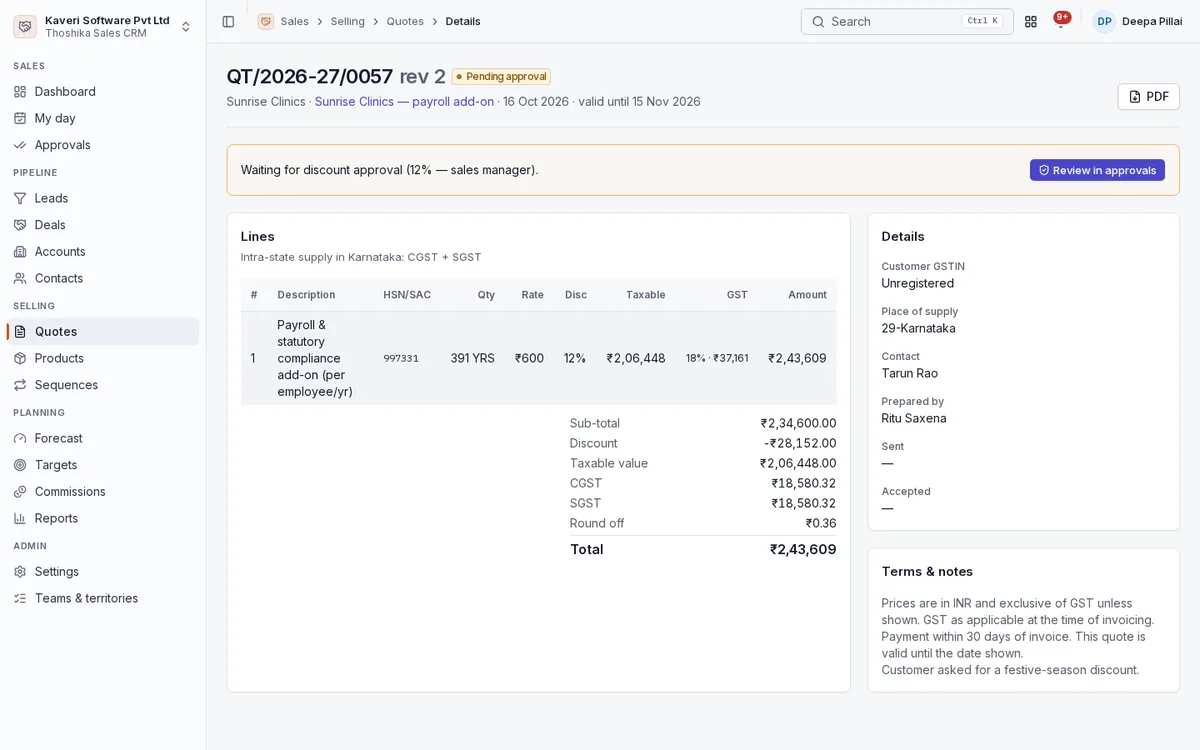
Quotes with revisions, tax per line and approval when discounts pass a threshold.
- Products shared with Books items, and price books with validity dates
- Numbered quotes with revisions and PDF output
- Tax by place of supply, rounded per line, with amount in words
- Discount approval at two thresholds
- Multi-currency quotes
- Accepted quotes convert to a Books sales order or invoice
Targets and forecast
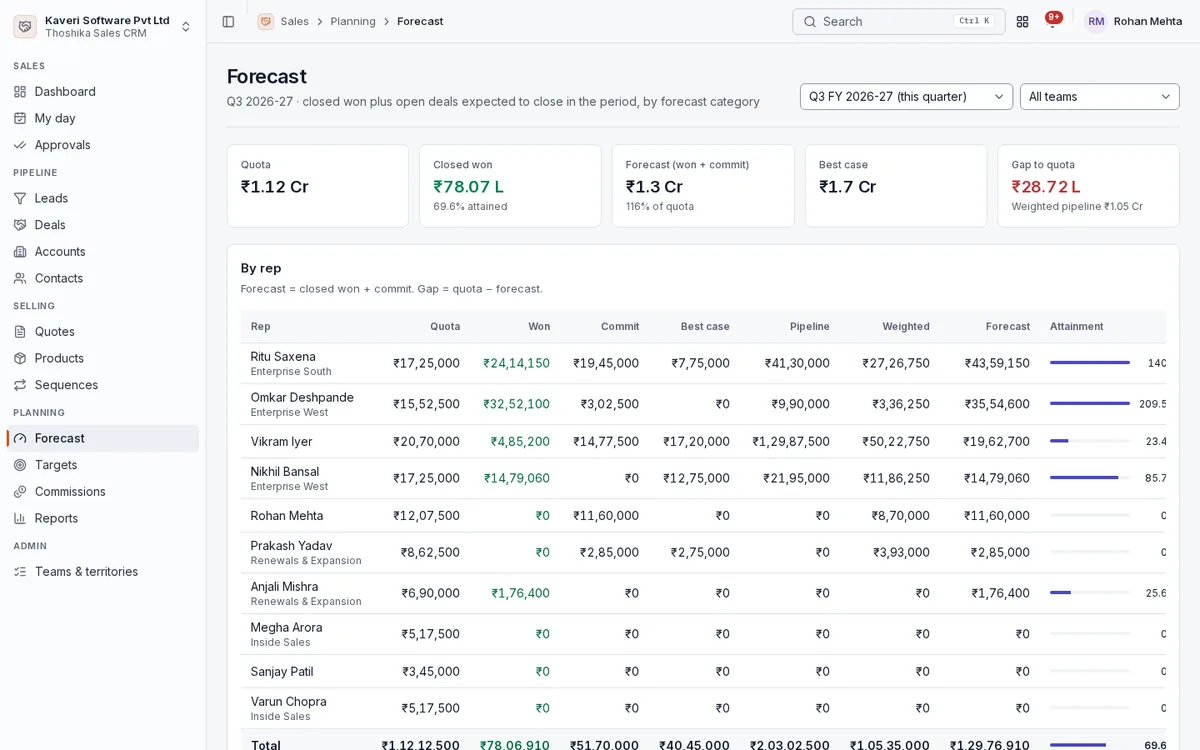
Monthly quotas per rep roll up to quarters and teams, against a forecast built from the pipeline.
- Revenue and deal-count targets per rep per month
- Team targets as the sum of members
- Forecast by rep and team: won, commit, best case, pipeline and weighted
- Attainment and gap to quota for the month or quarter
Commissions
Incentive plans calculate monthly statements that go through approval to payroll.
- Plans paid on deals won or invoices paid in Books
- Attainment tiers, deal-type multipliers and monthly caps
- Statements per rep per month with an approval chain
- Clawback when a deal reopens or an invoice is voided
- Approved statements reach People payroll as a taxable earning
Reports
Standard sales reports with CSV export of every one.
- Pipeline by stage and owner, ageing and rotting deals
- Conversion funnel from lead to won
- Win and loss by rep, source and pipeline, with loss reasons
- Leaderboard, activity by rep and lead sources
Administration
Sales operations configure the process once and the app applies it to every record.
- Pipelines, stages and loss reasons
- Territories and teams with round-robin and open-lead caps
- Assignment rules, web forms and email logging settings
- Visibility by owner, team and territory for reps and managers