Dashboard
The support dashboard opens on the agent’s own queue and the numbers a team lead watches through the day.
- My queue, open, unassigned, overdue and due-today counts
- Tickets with SLAs at risk
- Created and resolved volume chart and this month’s CSAT
- Report widgets pinned from the report builder
Channels and brands
Bring every customer request into one queue, whichever way it arrives, and run several brands from one help desk.
- Inbound email address per brand, with threading, attachments and loop protection
- Hosted web form and embeddable widget with help search, chat and a contact form
- Phone, WhatsApp and walk-in requests logged by agents, with caller number matching and click-to-chat links
- Agent-created outbound tickets for proactive notices
- Per-brand sender name, help centre, colours, logo, default group and chat greeting
Tickets and collaboration
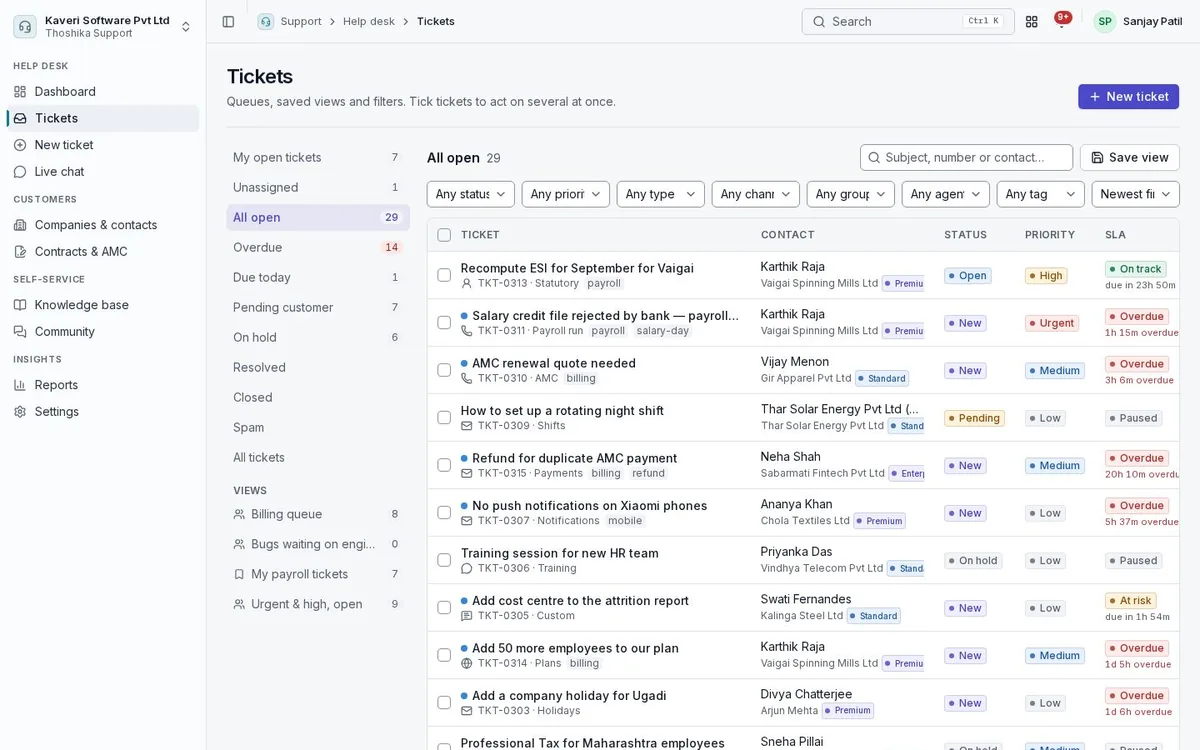
Agents work tickets from saved views, reply or add notes from one composer, and never step on each other.
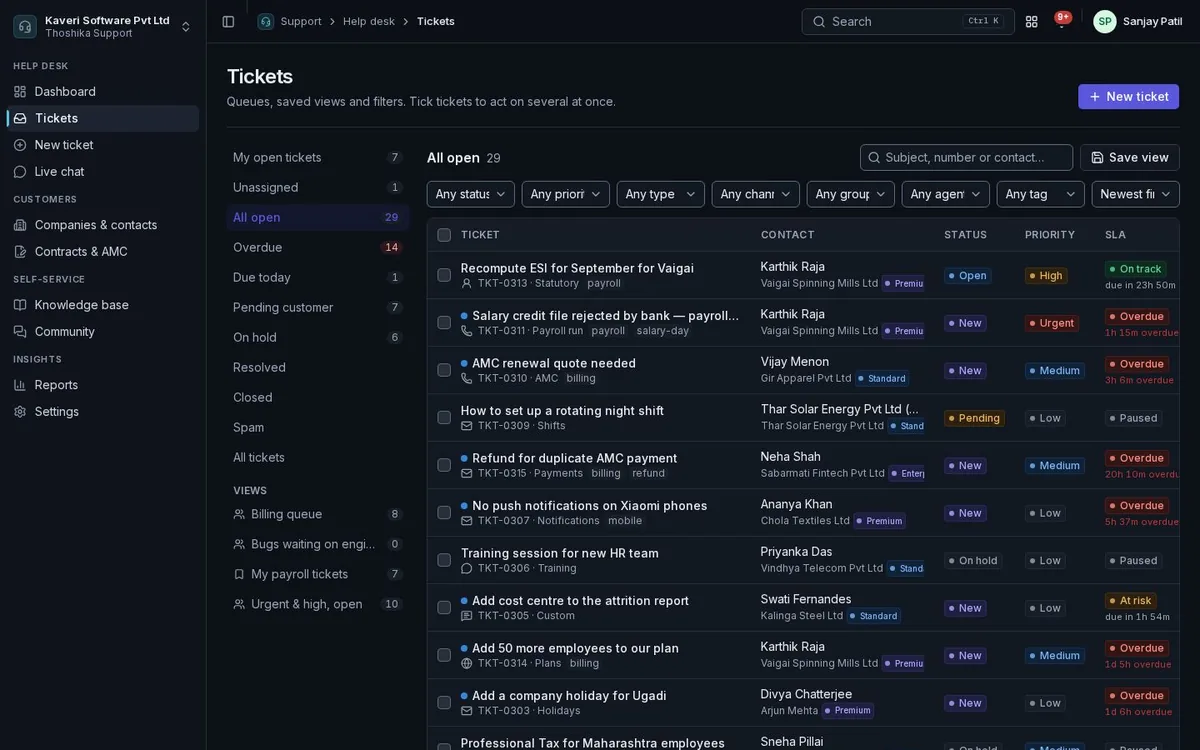
- Saved views shared with yourself, a group or everyone, with counts in the sidebar
- Merge, split, link, parent-child tickets, custom fields and ticket forms per type
- Macros, canned responses with placeholders, and canned forms customers fill on a link
- Collision warnings when someone else is viewing or replying
- Internal notes with mentions, side conversations with third parties, and time logs
- Ticket approvals for refunds, credit notes and contract exceptions
- Custom objects for records your team tracks beside tickets
Live chat
Chat with website visitors from the widget, with each conversation kept as a ticket.
- Agents mark themselves available and set a concurrent-chat limit
- Visitors see the offline form when no agent is free
- Accept, chat and end from the chat console
- Transcripts become tickets on the chat channel and are emailed to the visitor
- Chats not accepted within three minutes become tickets automatically
Routing, SLAs and automation
Assign tickets to the right group and agent automatically, set response and resolution targets on your business calendar, and escalate before they are missed.
- Groups with manual, round-robin, load-based or skill-based assignment
- Availability that respects People leave, weekly offs and shifts
- SLA policies by customer tier, company, group, type or channel, with clock pauses while waiting on others
- Business hours with holidays from the People calendar of a state or location
- Reminders at 75 percent, breach alerts and a second escalation level
- Event and time-based automation rules, blueprints for guided processes, webhooks and a rules audit
Companies, contacts and contracts
Know who you are helping and what they are entitled to, with the whole account on the ticket.
- Companies and contacts linked to CRM accounts or Books customers, matched by email and domain
- Customer tiers from Basic to Enterprise, set by hand or from the active contract
- AMC, support plan, warranty and per-incident contracts with ticket and hour allowances
- Raise AMC invoices through Books, or detect them from posted invoices
- Expiring contracts listed 30 days ahead with the account manager notified
- Customer 360 on the ticket: contract, remaining allowance, recent tickets, CSAT, CRM deals and Books dues
Knowledge base and help centre
Publish answers so customers can help themselves, and suggest them to agents while they work.
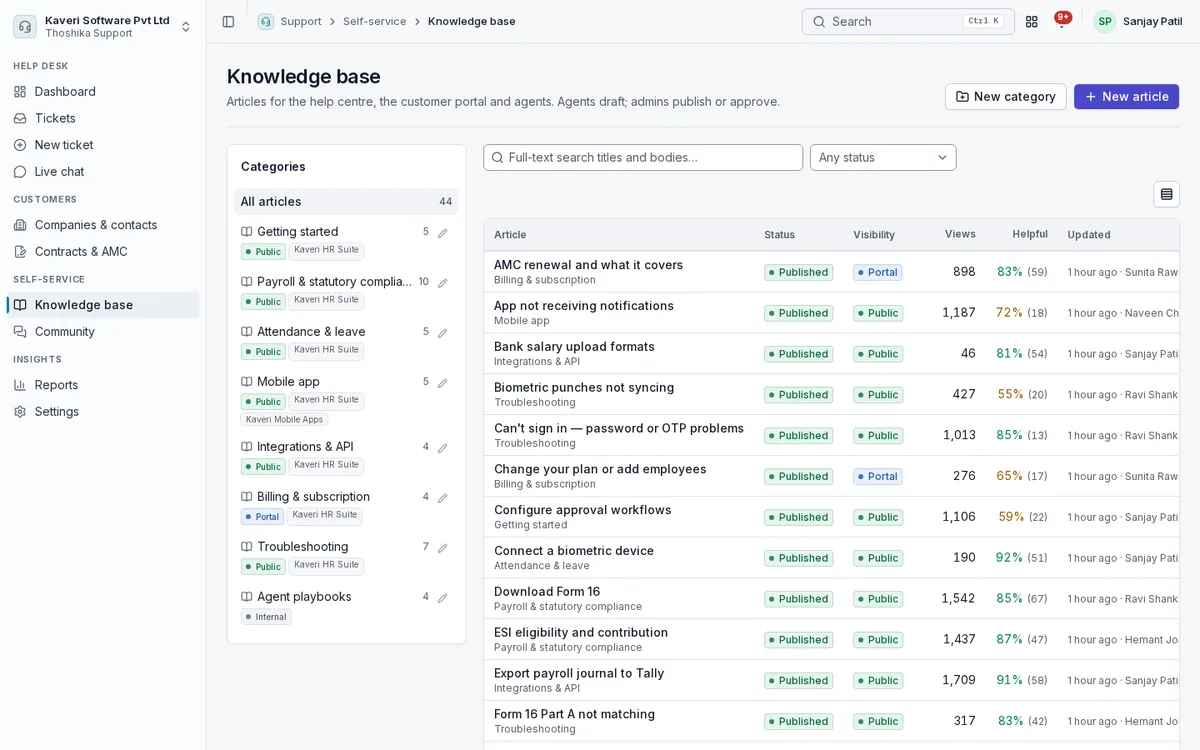
- Articles with versions, review and approval before publishing
- Public, portal-only and internal visibility per category
- Branded public help centre per brand, with search
- Article translations per language with a language switcher
- Reusable content blocks shared across articles
- Article suggestions while customers type, and similar resolved tickets for agents
Customer portal and surveys
Customers raise, follow and rate their own tickets online, and tell you how you are doing.
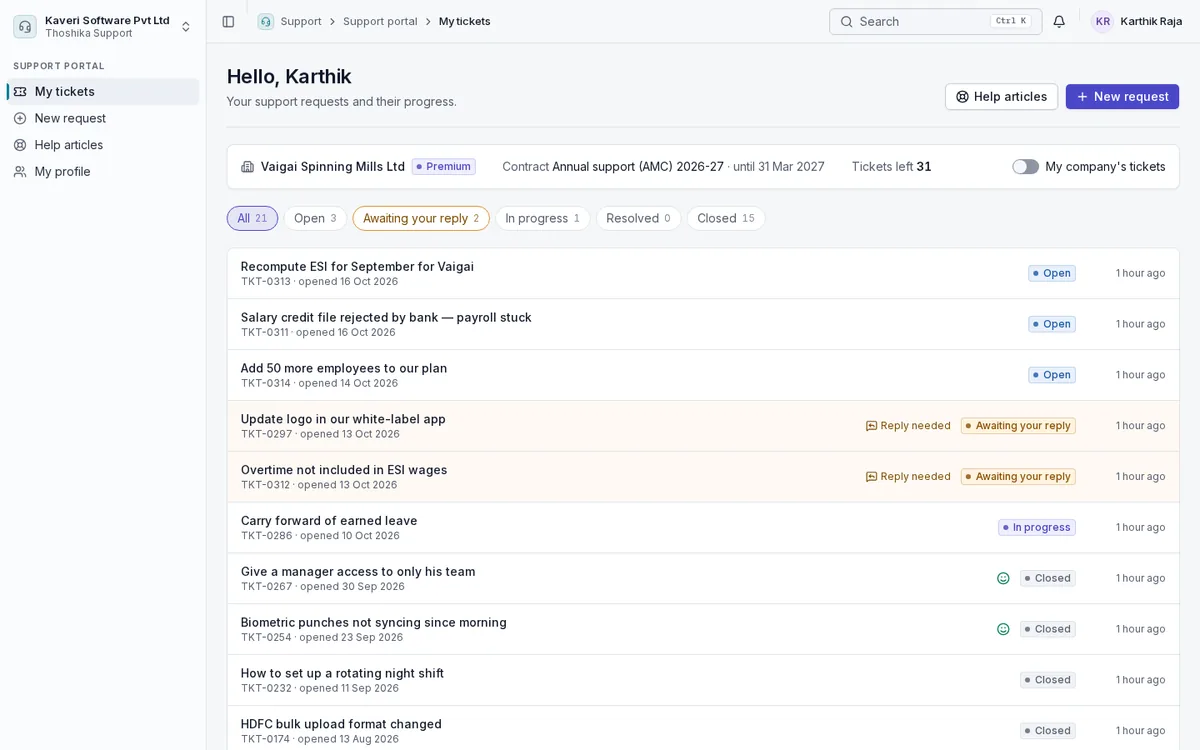
- My tickets, new request with article suggestions, help articles and profile
- Reply with attachments, close a ticket and rate it
- Company viewers see every ticket of their company and the contract summary
- Portal invitations from the agent console
- CSAT after resolution, with unhappy ratings sent to the group lead
- Quarterly NPS survey per active contact
Reports
Measure volume, speed and satisfaction, and share the numbers on a schedule.
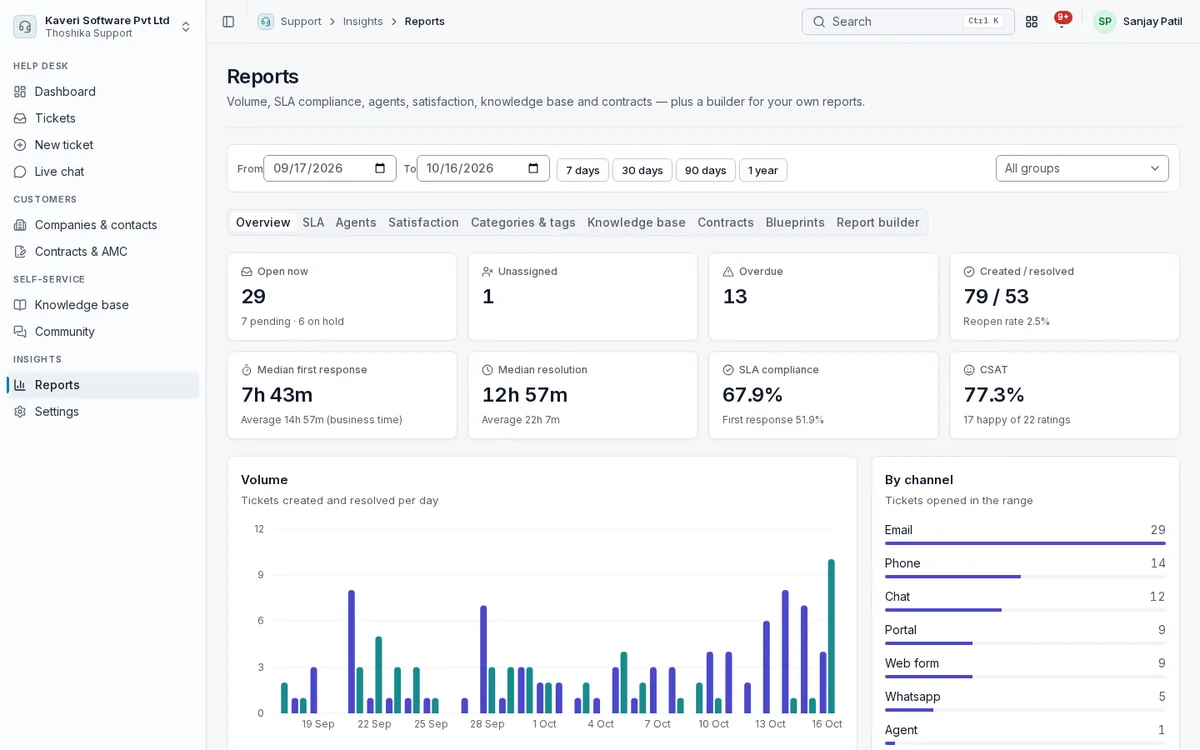
- Overview, volume and backlog trend by channel, type, priority, group and category
- First response, resolution and SLA compliance in business time
- Agent, satisfaction, categories and tags, knowledge base, contracts and blueprint reports
- Report builder with dashboard pins and scheduled CSV emails
Settings, roles and data protection
Admins set up every channel, policy and rule in one place, and decide who sees what.
- Email channel, help centre and portal, business hours, SLA policies, groups, agents, categories, fields and web forms
- Support admin, agent, collaborator and customer roles, with agents limited to their groups
- Custom roles for finer access
- Retention settings, data export and an approved erasure process