Dashboard and approvals
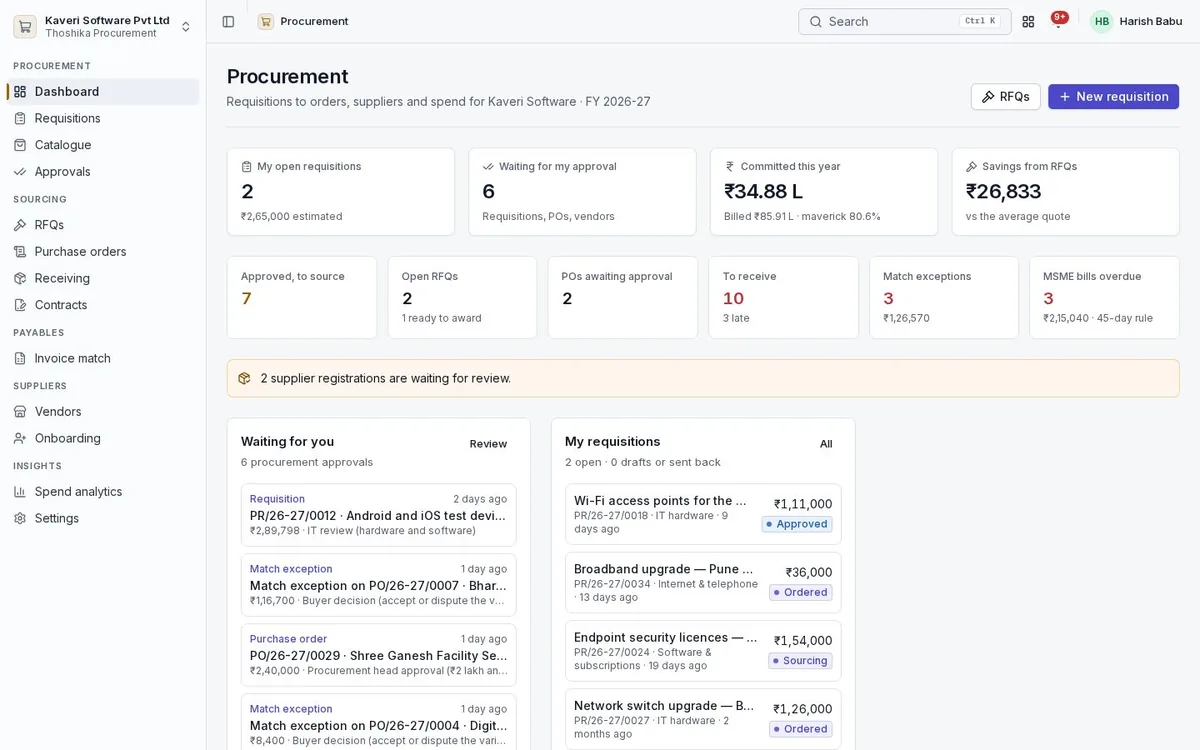
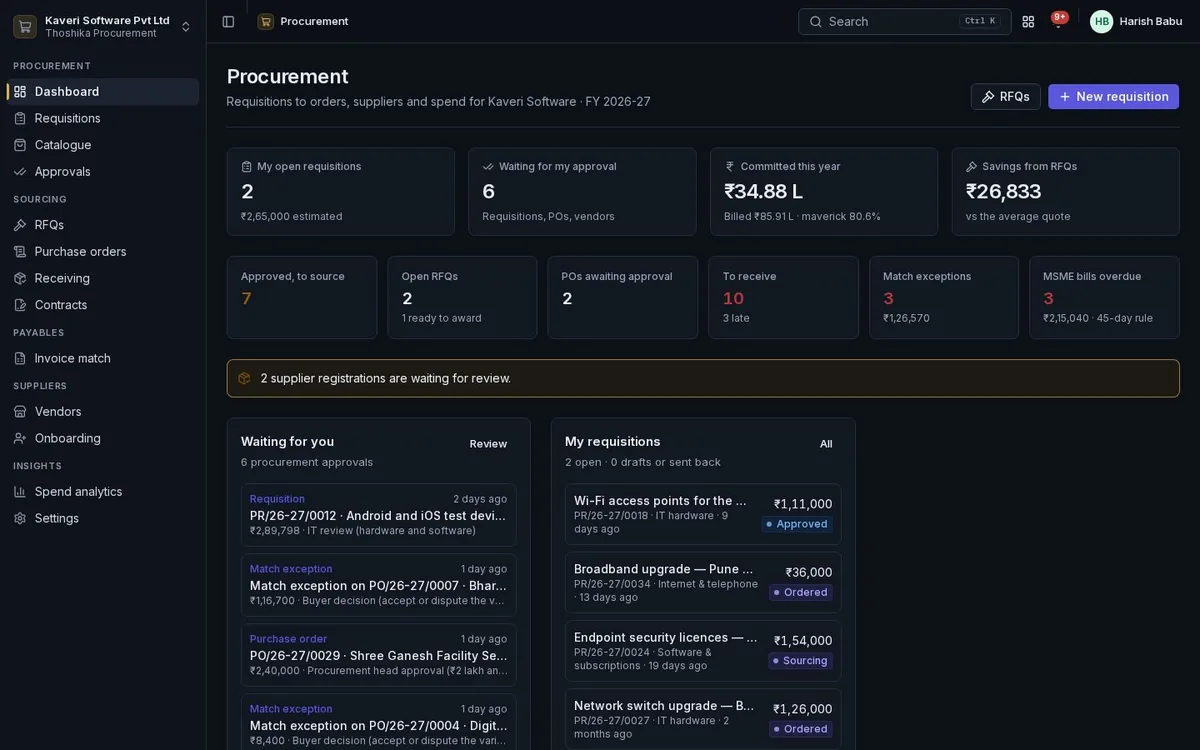
Everyone sees what needs them: requesters their requests, approvers their queue, buyers their open work.
- My requests, approvals waiting, open RFQs and POs to receive
- Match exceptions, contracts expiring and spend this year
- Approve requisitions, POs, contracts and vendors with the budget result and lines
- Delegation and SLA reminders from the shared approval engine
Requisitions and catalogue
Any employee can raise a request from Books items, a curated catalogue or free text.
- Category, needed-by date, cost centre, project, delivery location and justification
- Internal catalogue with estimated prices, lead times and preferred vendors
- Catalogue items on a rate contract priced from the contract
- Punch-out catalogues from supplier sites
- Buying channel suggested on approval: contract, catalogue, RFQ or direct
Budget check and approval routing
Requests are checked against the Books budget and routed by conditions the admin can change.
- Available budget after actuals and open commitments, by account and cost centre
- Warn, block or off modes for over-budget requests
- Conditional steps on amount, category, cost centre, over-budget or capex
- Separate chains for requisitions, POs, contracts, vendors and match exceptions
Sourcing and RFQs
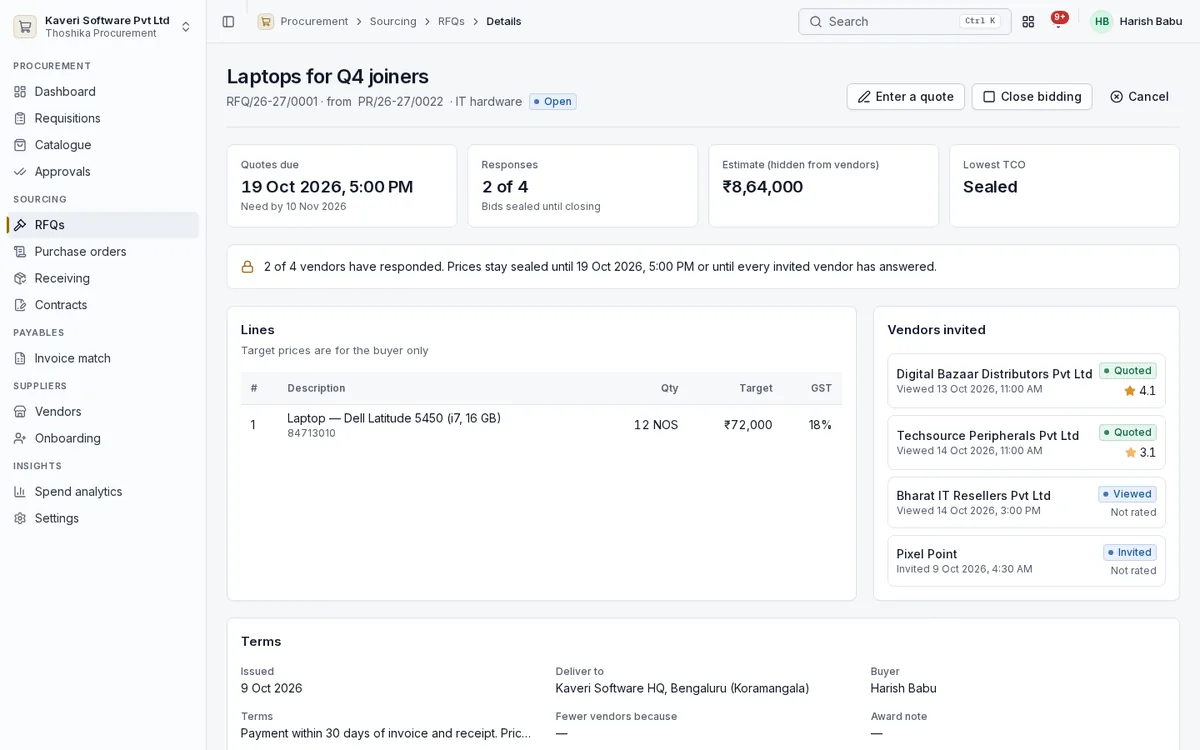
Buyers invite vendors to quote, compare sealed bids on total cost and award by line.
- RFQs from approved requisition lines with a minimum number of quotes
- Sealed bids until closing or until every invited vendor has answered
- Total cost of ownership with freight, payment terms and lead-time penalty
- Score from cost, delivery and vendor rating
- Whole or line-wise award creating one PO per vendor
- Savings against estimate and average quote, reverse auctions and multi-currency RFQs
Purchase orders
Orders are Books purchase orders, with approval and vendor acknowledgement around them.
- POs from an award, a requisition, a contract release or directly
- Approval by amount, automatic below a threshold for approved requisitions
- Vendor acknowledgement with a committed date
- Release orders against blanket POs and rate contracts, checked against caps
- Status from issued to partially received, received and closed
Receiving
Goods receipts are Books documents; Procurement adds the quality record.
- Receive against a PO, moving tracked stock into inventory
- Accepted and rejected quantities with reasons
- Quality score and on-time flag for vendor ratings
- Requesters can confirm receipt of what they asked for
Contracts
Rate contracts, blanket orders and service contracts with utilisation and expiry alerts.
- Rate contracts, blanket POs with a value cap, and service contracts
- Contract lines with rates and maximum quantities
- Utilisation from releases, blocked beyond the cap
- Alerts at 60, 30 and 7 days before expiry and at 80% and 100% utilisation
- Contract approval and the signed document attached
Invoice match
Every bill on a Procurement PO is checked line by line against the order and what was accepted.
- Price, quantity received, quantity ordered, no receipt and tax checks
- Tolerances for price, quantity and amount
- Exceptions routed to the PO’s buyer
- Accept, raise a debit note draft or ask the vendor to revise
Vendors and onboarding
Vendors register themselves or are invited, pass automatic checks and approval, and are rated on what they deliver.
- Public registration link, buyer invitation or manual entry
- Automatic checks on tax IDs, bank details and duplicates
- Procurement and finance approval, then the Books vendor created or linked
- Vendor 360 with POs, contracts, quotes, receipts, bills and payments
- Quality, delivery and price ratings over a rolling 12 months
- Active, on hold and blocked statuses
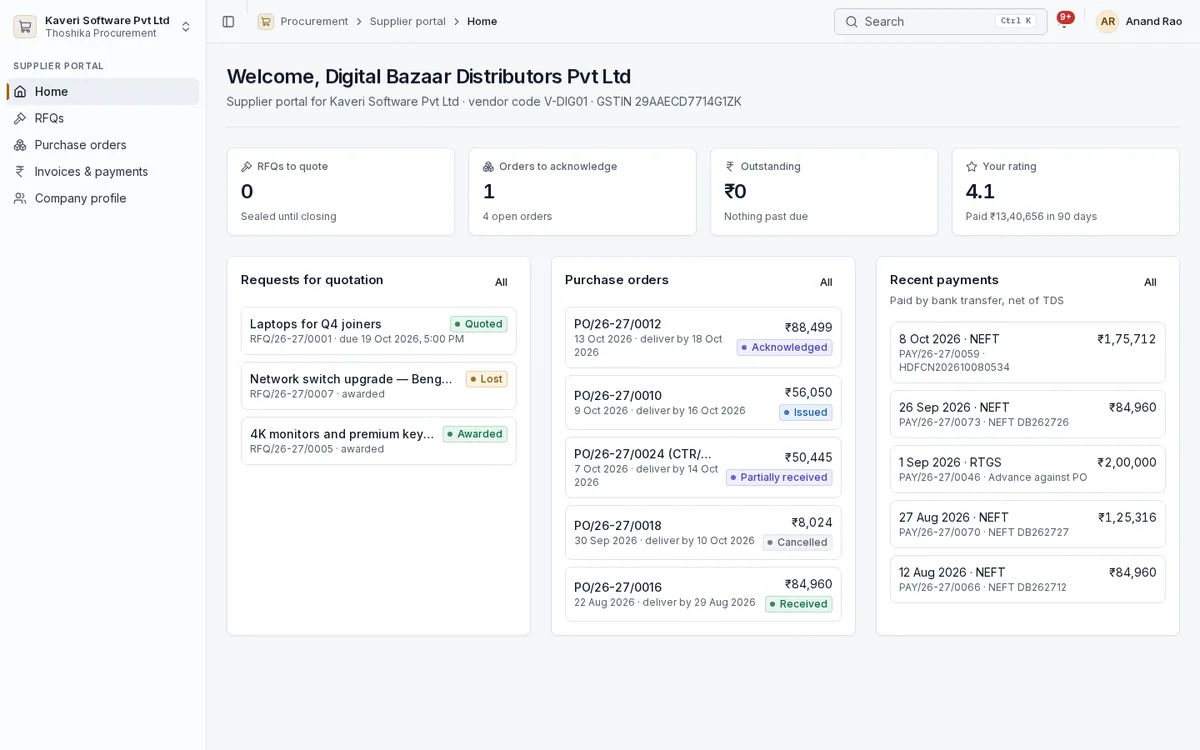
Supplier portal
Vendor contacts sign in with their own Thoshika account and see only their own records.
- RFQs to quote, revise or decline
- Purchase orders to acknowledge
- Invoice upload against a PO, drafting the Books bill
- Payments and bill status, including tax deducted
- Company profile and bank changes that go back for approval
Spend analytics and settings
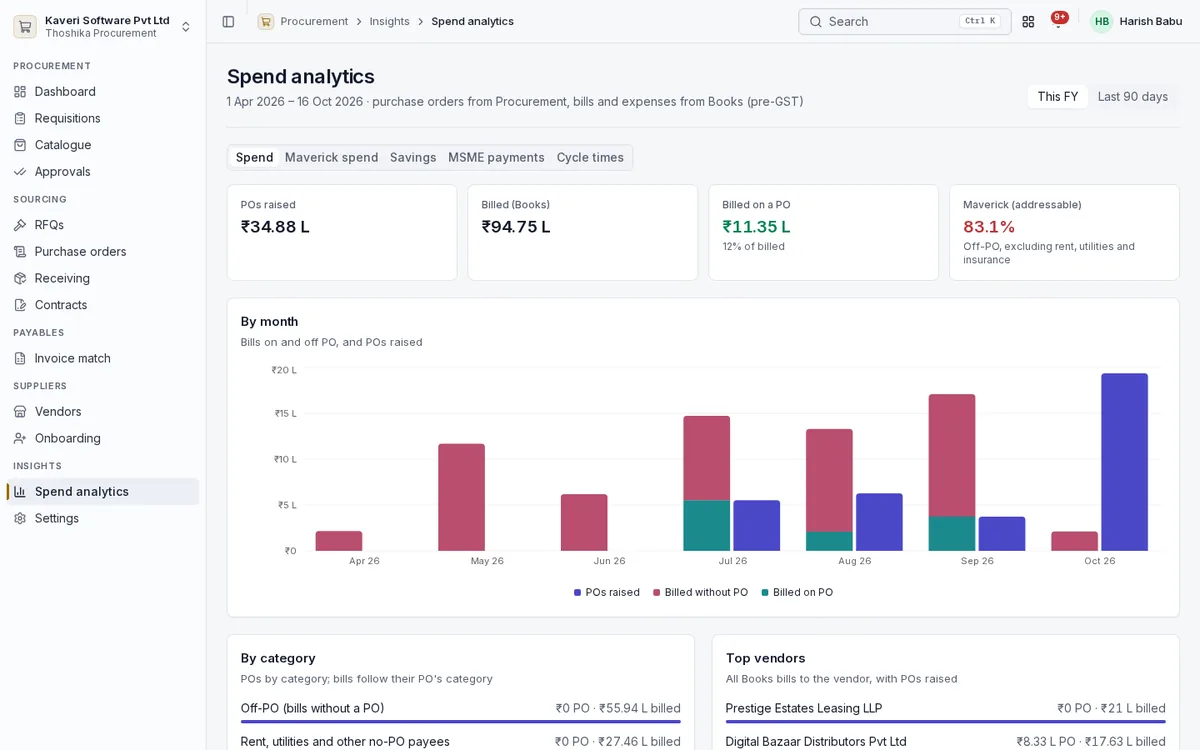
Where the money goes, how much is off-contract, and how fast the process runs.
- Spend by category, vendor, cost centre and project, by month
- Maverick spend that does not trace to a PO
- RFQ savings by category and buyer
- Cycle times from request to approval, order and receipt
- Categories, tolerances, sourcing rules and the registration link